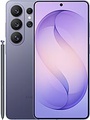
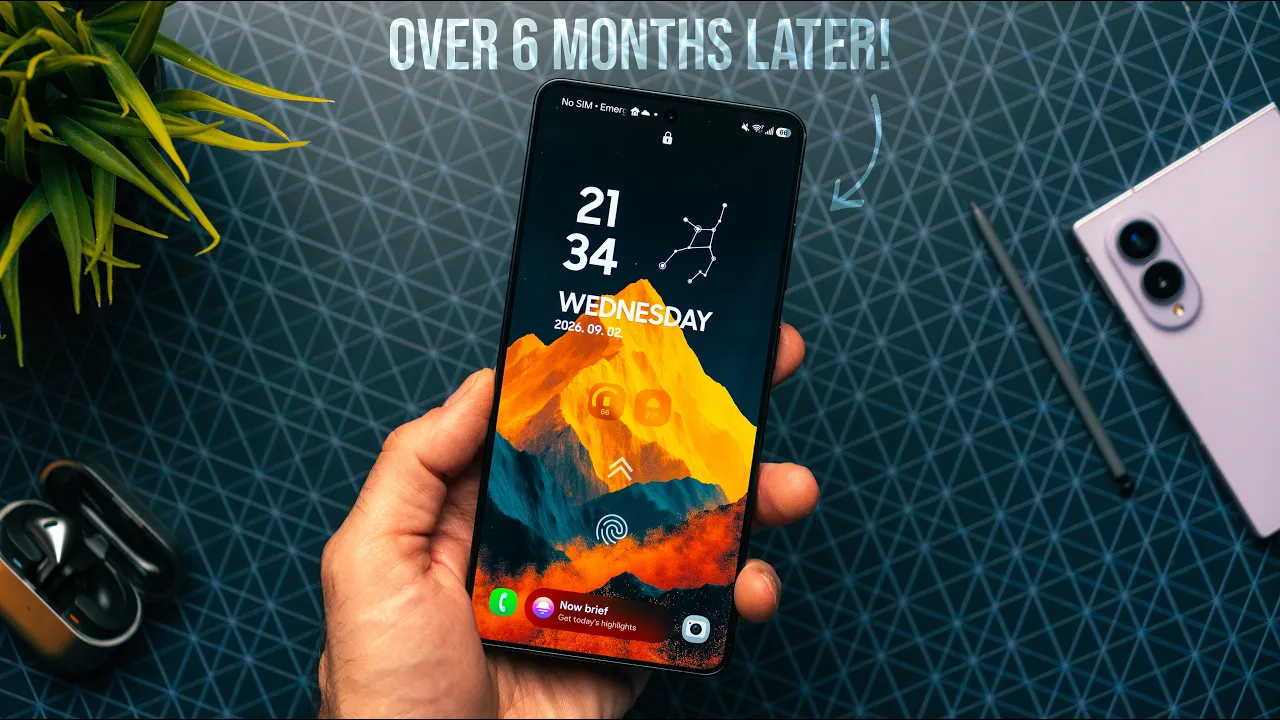
As smartphone cameras continue to rival dedicated imaging hardware, the next frontier is professional integration. Samsung appears poised to make a significant leap in this direction with its upcoming One UI 8.5 software, potentially transforming its Galaxy phones into viable tools for serious filmmakers and photographers. Leaked details suggest the update will introduce support for high-end, professional-grade camera accessories, a move that could redefine the role of a smartphone in a creator's toolkit.
Samsung's One UI 8.5 Prepares for Professional Hardware
Code discovered within Samsung's Camera Assistant app points to a groundbreaking new feature: native support for TILTA wireless lens controllers. TILTA is a respected brand in the film industry, known for manufacturing precision rigs and remote focus-pulling equipment used on cinema cameras and high-end DSLRs. This integration, likely to debut with the Galaxy S26 series, would allow filmmakers to mount a Galaxy phone on a professional rig and control its focus and zoom using the same wireless hardware they use for their primary cameras. This eliminates the need for imprecise touchscreen adjustments, enabling smooth, shake-free focus pulls that are essential for professional video production.
Key Features Expected in One UI 8.5:
- Professional Hardware Support: Native compatibility with TILTA brand wireless lens controllers for remote focus and zoom control.
- New Camera Resolution: A 24MP photo mode integrated directly into the stock Samsung Camera app.
- Target Device: Features are anticipated to debut with the upcoming Galaxy S26 series.
A New 24MP "Sweet Spot" for Mainstream Users
Alongside the niche pro feature, Samsung is also addressing a more common user request within the stock camera app. One UI 8.5 is expected to integrate a native 24MP photo mode directly into the main camera interface. This resolution is often seen as an ideal balance, offering substantially more detail than the standard 12MP mode without generating the enormous file sizes associated with 50MP or 200MP shots. Currently, users seeking this flexibility must download the separate Expert RAW app. By bringing a 24MP option into the default app, Samsung is making a more versatile and high-quality shooting experience readily accessible to all users, not just photography enthusiasts.
Comparison of Photo Modes:
| Resolution | Use Case | Advantage | Disadvantage |
|---|---|---|---|
| 12MP | Standard, everyday photos | Small file size, fast processing | Lower detail for cropping/editing |
| 24MP (New) | High-quality stills, balanced detail | "Sweet spot" resolution, better detail than 12MP without huge files | Larger files than 12MP |
| 50MP/200MP | Maximum detail, professional editing | Extreme resolution for large prints or heavy cropping | Very large file sizes, requires Expert RAW app (currently) |
Strategic Implications for the Galaxy S26 and Beyond
This dual-pronged approach in One UI 8.5 serves a clear strategic purpose. For the average consumer, the new 24MP mode is a tangible, useful upgrade that improves everyday photography. For the professional and prosumer market, TILTA support is a powerful statement. It positions the Galaxy S26, and Samsung's flagship phones overall, not just as communication devices with good cameras, but as legitimate, integrable components of a professional production workflow. This could appeal to independent filmmakers, content creators, and photographers who already own such equipment, allowing them to seamlessly use a Galaxy phone as a compact B-roll or secondary camera.
The Verdict on Samsung's Pro-Creator Push
While the support for TILTA gear is undeniably impressive from a technical standpoint, its practical impact will be limited to a specific audience. For most people, a wireless lens controller remains an exotic and unnecessary piece of kit. However, its inclusion signals Samsung's ambition to capture mindshare at the high end of content creation. Coupled with the sensible 24MP upgrade, One UI 8.5 shapes up to be an update that offers something meaningful for both mainstream users and professional creators. If these features materialize as expected, they will significantly blur the line between consumer smartphone and professional imaging tool, setting a new benchmark for what mobile software can enable.